Gear Review
Best Rucking Apps 2026: Track Weight, Pace, and Calories Accurately
The best rucking apps and how to set up your Apple Watch or Garmin to track loaded walks - including why generic fitness apps undercount your calories.
On this page13 sections
- Quick picks
- Download the apps
- Gear that pairs with these apps
- Why a rucking-specific app matters
- The best dedicated rucking apps
- RUCKR - best overall and best cross-platform option
- RuckWell - best for navigation and recovery
- Rucker - best simple iPhone option for route replay
- The best general apps that track rucks
- Setting up your Apple Watch for rucking
- Setting up your Garmin for rucking
- Which GPS watch should you buy?
- How to choose
- Your next step
- Related reading
- Frequently Asked Questions
- Generic fitness apps usually do not accept pack weight as a direct calorie input. Dedicated rucking apps can use load, speed, terrain, and grade, but every calorie number remains an estimate.
- Best dedicated app for most people: RUCKR, because it is available on iPhone, Apple Watch, and Android. RuckWell is the stronger Apple-only choice for navigation and recovery.
- Compatible Garmin watches include a native Rucking activity profile with pack-weight entry, but Garmin says pack weight does not change calories or training metrics on most models.
- The app matters less than consistency. Pick one, log your weight, and track every session.
Quick picks
If you just want the answer:
- Best dedicated rucking app for most people: RUCKR. It tracks load, pace, route, terrain, and calories, and it is available on iPhone, Apple Watch, and Android.
- Best Apple-only option for navigation and recovery: RuckWell. It combines load-aware tracking with GPX navigation and recovery guidance on iPhone and Apple Watch.
- Free general-purpose option: Strava, for activity history and community. Log pack weight in your notes and check whether the calorie estimate came from Strava or an upload partner.
- Best if you own a compatible Garmin: Garmin's native Rucking activity, with your pack weight entered before the session.
- Watch to pair with the app: the app is only as good as the data it gets. Compare three watches that suit rucking, from a value COROS to the rugged Garmin Instinct 3 Solar.
The rest of this guide explains why weight matters, breaks down each app, and walks through setting up your Apple Watch or Garmin.
Download the apps
| App | Best for | Platforms | Direct download |
|---|---|---|---|
| RUCKR | Best overall dedicated tracker | iPhone, Apple Watch, Android | App Store / Google Play |
| RuckWell | Navigation and recovery | iPhone, Apple Watch | App Store |
| Rucker | Route replay and trail markers | iPhone | App Store |
| Strava | Social tracking and route history | iPhone, Apple Watch, Android | App Store / Google Play |
Store availability and features were verified on August 31, 2026. App pricing and feature tiers can change.
Gear that pairs with these apps
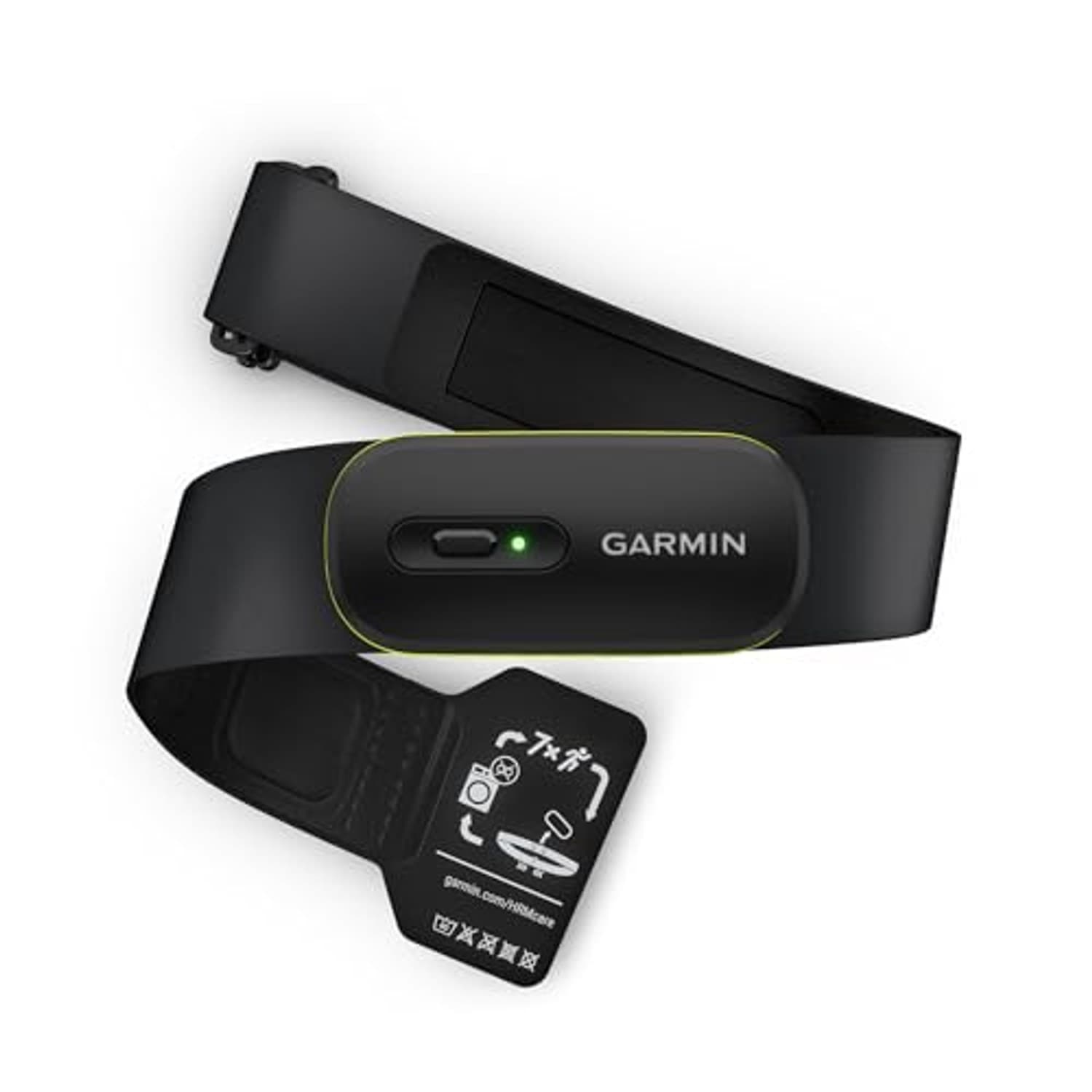
Each app records the session, but the data comes from what you wear. A GPS watch shows pace, distance and heart rate on your wrist, so the phone can stay zipped in the pack. A chest strap reads heart rate electrically at the chest, which is the usual fix when a wrist reading jumps around during a loaded walk. RUCKR and RuckWell both run on Apple Watch, and RUCKR can import rucks recorded on a Garmin through Garmin Connect.
The watch picks are compared in full in our best GPS watches for rucking roundup, and the strap is covered with the watches further down this page.
Why a rucking-specific app matters
Here's the problem with tracking a ruck in a normal running or walking app: it has no idea you're carrying weight.
Calorie burn during loaded walking changes with the weight you carry. But apps such as the default Apple Fitness walk workout and many general step trackers do not accept pack weight as a direct input. Heart rate may capture some of the added effort, but the estimate is not explicitly load-aware.
Heart-rate-based estimates may capture part of the added demand, but wrist readings and calorie algorithms have their own error. A load-aware model gives you a more relevant input set, not guaranteed accuracy. If you want to understand the calorie side in depth, our rucking calorie calculator guide breaks down the formula and its limits.
The best dedicated rucking apps
These are built for loaded walking, so they ask for your weight and do the math properly.
RUCKR - best overall and best cross-platform option
Download: iPhone and Apple Watch / Android / official website
RUCKR records your ruck with GPS route, pace, elevation, terrain, and pack weight, then calculates calorie burn using the load rather than treating the session like an unloaded walk. It can pull in sessions from Apple Health and Garmin Connect, so your history can live in one place even when the watch recorded the workout.
The key change since our original review: RUCKR is no longer iOS-only. Its Android release makes it the easiest dedicated recommendation for mixed-device groups and Android ruckers who previously had to settle for a general walking app.
RuckWell - best for navigation and recovery
Download: iPhone and Apple Watch / official website
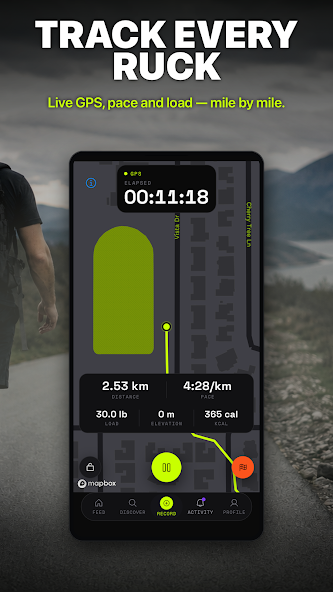
RuckWell leans into navigation and recovery. It imports GPX routes and provides breadcrumb navigation on iPhone and Apple Watch, which is useful for unfamiliar trails and planned events. It tracks ruck weight for power, pace, and load, then adds a Recovery Score using overnight HRV, resting heart rate, and related signals.
Rucker - best simple iPhone option for route replay
Download: iPhone
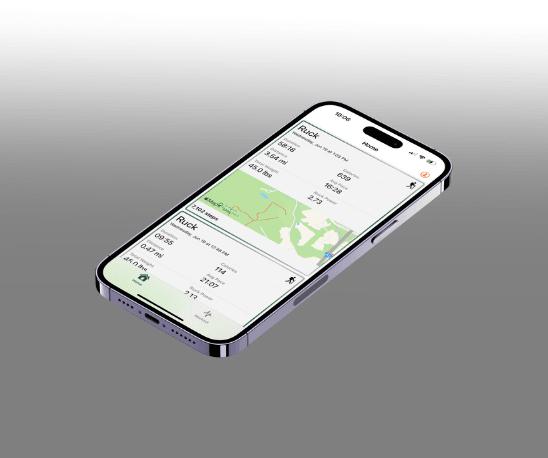
Rucker is a lighter-weight iPhone option built around recording a ruck, reviewing the route, and saving trail markers. It is a better fit for someone who wants a purpose-built rucking log without the broader recovery system in RuckWell.
Whichever dedicated app you choose, log your pack weight every session. Calories, load trends, and recovery guidance still depend on the app's model and sensor data, but an accurate load entry removes one avoidable source of error.
The best general apps that track rucks
If you'd rather use an app you already know, or you want the social side, these all track rucks well - just know they won't weight-adjust calories on their own.
Strava is useful for a shared activity history and route tracking. Record a ruck as Walk or Hike and put the carried weight in your description or private notes. Strava may show calories supplied by your watch or recording app; writing pack weight in the description is not a documented calorie adjustment. Our Strava rucking setup guide covers recording, editing watch uploads, logging load and checking the calorie source. Download for iPhone or Android.
MapMyRun (Under Armour) tracks stride length, cadence, pace, elevation gain, and calories, and logs from your phone, Apple Watch, Garmin, or other trackers. It is a solid broad-support option, though its calorie model is not load-aware. Download for iPhone or Android.
ASICS Runkeeper is a simple, reliable tracker that syncs with Apple Watch, Garmin, Fitbit, and more. It is good if you want clean history without much fuss. Download for iPhone or Android.
The move a lot of ruckers make: track the session on a general app for the route and history, and use a weight-aware app or calculator for the calorie number.
Setting up your Apple Watch for rucking
The Apple Watch is a great ruck tracker once you get past the default workout's blind spot on weight.
Your best option is to install a rucking app's Apple Watch companion (RUCKR and RuckWell both have one) and start the ruck from there. You get GPS, heart rate, and weight-aware metrics in one place.
If you'd rather stay native, start an Outdoor Walk or Hike workout, or build a Custom Workout for repeatable structure. You will get route, pace, and heart-rate data, but the calorie figure is not explicitly adjusted for pack weight. If you want a load-aware estimate, import the session into a compatible app afterward or compare it with our calorie calculator guide.
Setting up your Garmin for rucking
Garmin has a native Rucking activity profile on compatible watches. Before your session, select Rucking, enter your pack weight, and set any pace, distance, or time targets you want. That keeps rucks separate from unloaded walks and stores the load in the activity record.
Garmin lists support on newer families including the Fenix, Enduro, Instinct, tactix, Forerunner, quatix, and Venu lines. Model support changes through software updates, so use Garmin's official Rucking activity compatibility page for the current list.
Garmin's support documentation says that, on most devices, recording pack weight does not change calories, training load, or other activity metrics. It is useful recordkeeping, but it is not automatically a load-adjusted calorie calculation. Check the documentation for your exact watch before relying on that number.
If your watch does not have the profile, record the session as Walk or Hike and add the pack weight in Garmin Connect after syncing. You can also import the session into RUCKR for its load-aware history and calorie model.
Which GPS watch should you buy?
The app is only as good as the watch feeding it data. If you're shopping, here are three that pair especially well with a rucking setup. For the full breakdown, see our best GPS watches for rucking roundup.
The COROS PACE 4 is the value pick - light, long battery life, accurate GPS, and a fraction of the price of the flagships. Ideal if you want great data without overspending.
The Garmin Instinct 3 Solar is the rugged, long-battery choice. Solar charging and a nearly indestructible build make it the set-and-forget option for people who ruck outdoors constantly.
The Apple Watch Ultra 3 is the pick if you're in the Apple ecosystem and want the best rucking-app experience - the dedicated apps' watch companions run beautifully on it, with big battery and precise GPS.
The Garmin HRM 600 is the chest strap to add when heart rate matters more than the wrist sensor can deliver. It pairs with Garmin watches over ANT+ or Bluetooth, and its open Bluetooth mode connects to third-party watches and phones. The module is rechargeable and lifts out of the strap so the strap can be washed.
How to choose
Cut through it like this:
- You want load-aware ruck data and you're on iPhone: RUCKR (or RuckWell for navigation and recovery), paired with an Apple Watch or a synced Garmin.
- You are on Android: RUCKR is the direct dedicated option; Strava is the simpler general-purpose fallback.
- You want a free activity log and community: Strava, recorded on your phone or synced from a supported watch.
- You have a compatible Garmin: use Garmin's native Rucking profile and enter your pack weight before you start.
- You have an older Garmin or Coros: record a Walk or Hike, note the load, and optionally import the workout into RUCKR.
- You're just starting and overthinking it: open Strava, log your weight in the notes, and go. You can upgrade later. Consistency beats the perfect app every time.
- You want live pace and heart rate without holding your phone: add a GPS watch. The COROS PACE 4 is the value pick, the Garmin Instinct 3 Solar the rugged one, and the Apple Watch Ultra 3 the natural fit for RUCKR and RuckWell's Apple Watch apps. Add the Garmin HRM 600 if your wrist heart rate reads erratically.
Your next step
Pick one app today and log your very next ruck - weight included. The best tracker is the one you'll actually use every session. Once you've got a few rucks logged, use the data to guide your progression with our ruck weight guide and pace chart.
Related reading
- Best GPS watches for rucking - the full watch roundup with picks for every budget
- Rucking calorie calculator guide - how load changes your real calorie burn
- Rucking pace chart - target paces by weight and distance
- How heavy should your ruck be? - find your right starting load
- Complete beginner's guide to rucking - everything you need to start
Frequently Asked Questions
RUCKR is the best dedicated choice for most people in 2026 because it provides load-aware tracking on iPhone, Apple Watch, and Android. RuckWell is the stronger Apple-only choice when GPX navigation and recovery guidance matter most. Strava is a free option for recording and sharing activities, with calories that may come from Strava or your upload partner. Check the source before assuming that estimate accounts for your load.
Most general apps do not accept pack weight as a direct calorie input. Heart rate may reflect some added effort, so the result is not guaranteed to undercount every session, but it is not a load-aware estimate. A dedicated rucking app can include pack weight, terrain, and grade in its model.
Yes. Install a rucking app's Apple Watch companion, such as RUCKR or RuckWell, when you want load-aware metrics. If you prefer Apple's native workout, use Outdoor Walk, Hike, or a Custom Workout and treat its calorie number as a general estimate that does not take pack weight as a direct input.
Yes, compatible Garmin watches have a native Rucking activity profile that lets you enter pack weight and set pace, distance, or time targets. Garmin says pack weight does not change calories or training metrics on most devices, so check your exact model. If your watch is not supported, record Walk or Hike, add load for reference after syncing, and optionally import it into a load-aware app.
You can start with Strava for free recording, route history and a manual pack-weight log. Adding weight to your notes is not a documented calorie input. Calories supplied by a connected watch or app depend on that provider's method. Use a dedicated app if you want a load field and load-aware estimates, while remembering that those numbers remain estimates. Our Strava setup guide explains the workflow.
Any modern GPS watch with heart rate works, but the COROS PACE 4 (value), Garmin Instinct 3 Solar (rugged, long battery), and Apple Watch Ultra 3 (best for iPhone users and dedicated ruck apps) all pair especially well with a rucking setup. See our best GPS watches for rucking roundup for the full comparison.
Quick Comparison
| Product | Price | Best For | Buy |
|---|---|---|---|
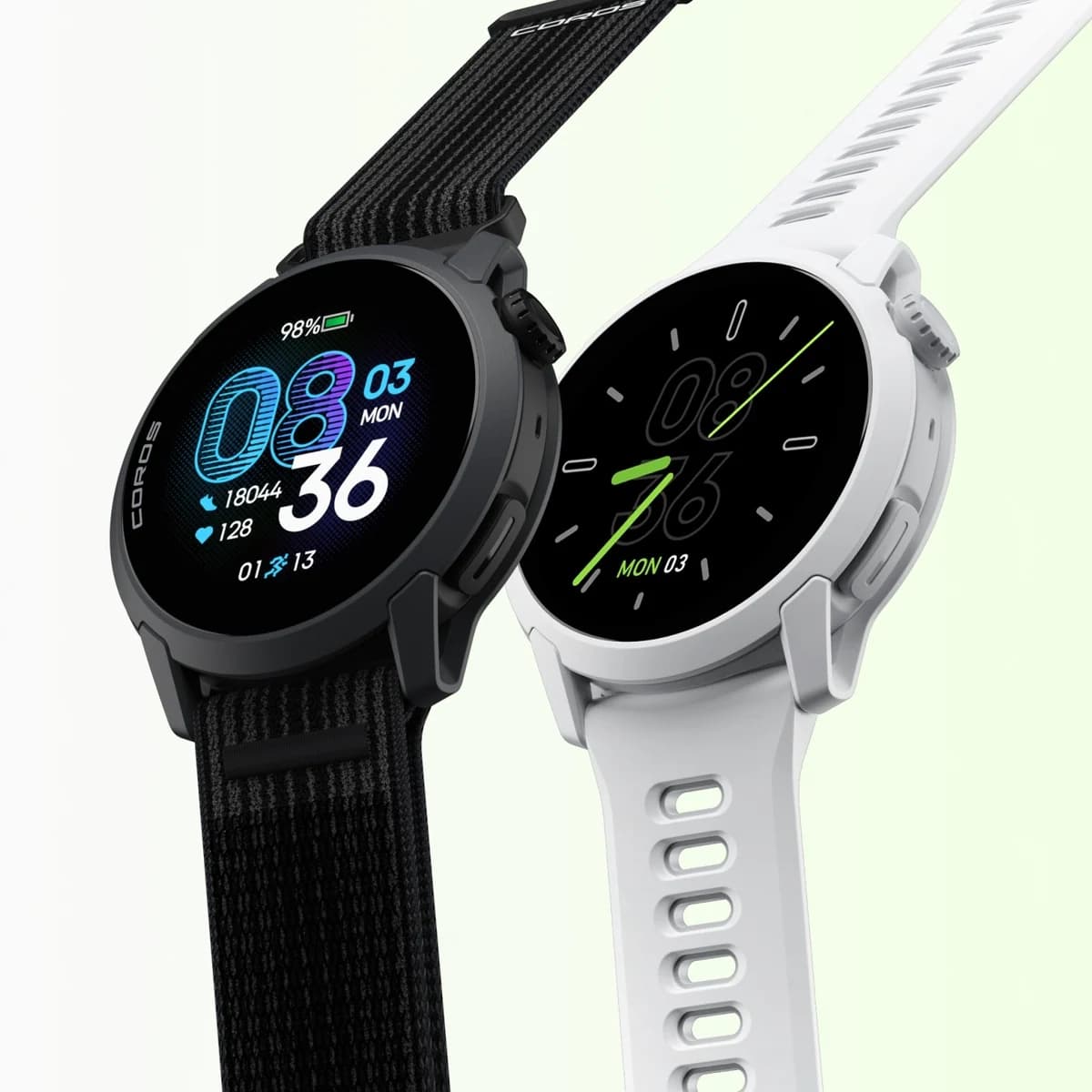 Best ValueCOROS PACE 4 | $150-300 | Budget-conscious ruckers who want accurate GPS tracking and great battery life without the Garmin price tag. The ultralight weight makes it comfortable for all-day wear and long rucks. | |
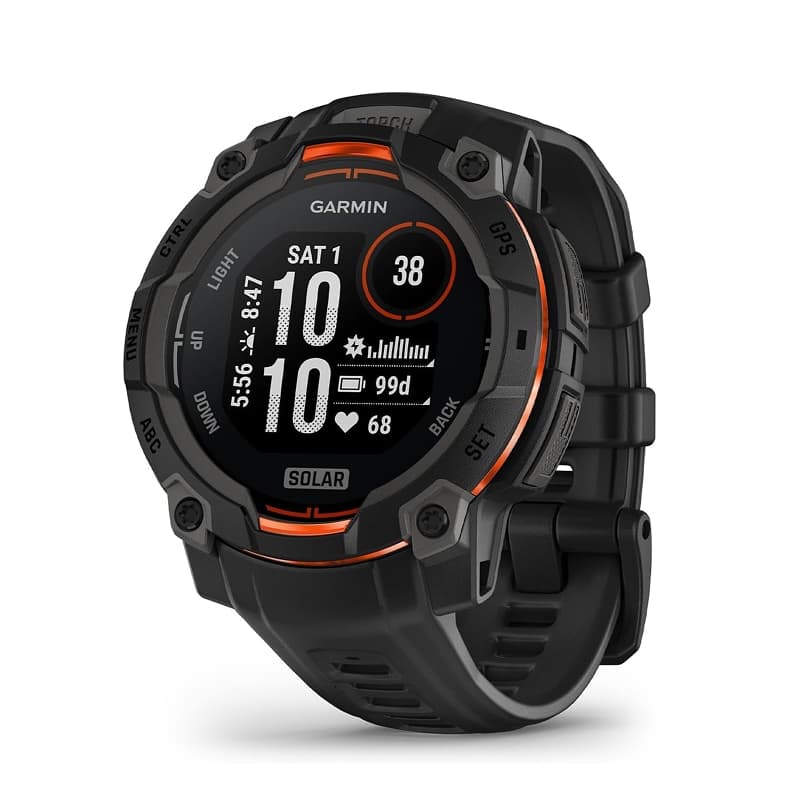 Best OverallGarmin Instinct 3 Solar (45mm) | $150-300 | The best all-around GPS watch for ruckers. Solar charging means you never worry about battery during multi-day events, the rugged build handles abuse, and the flashlight is genuinely useful for pre-dawn rucks. | |
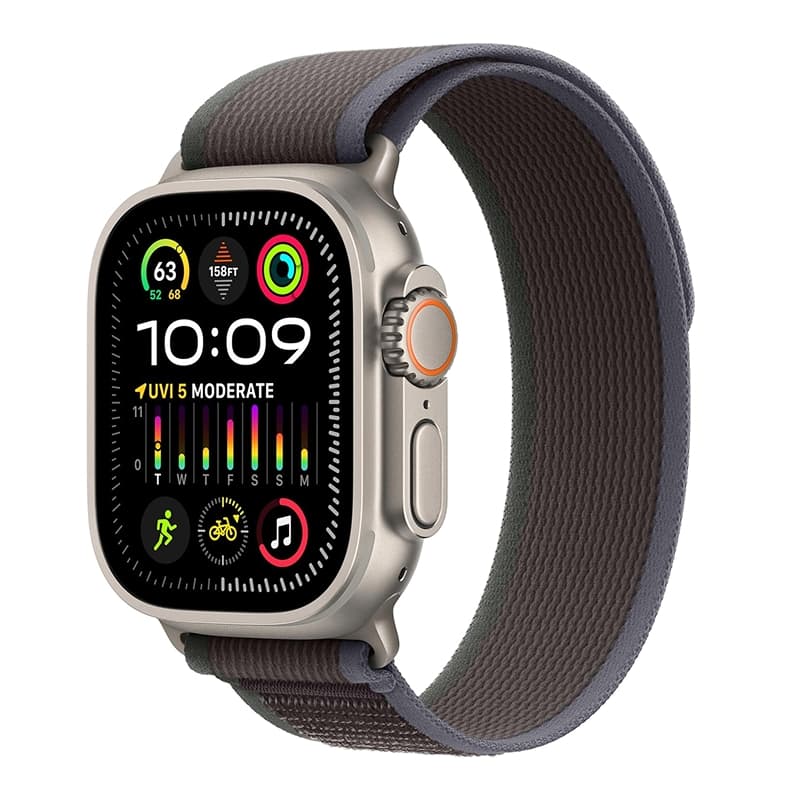 Best for iPhoneApple Watch Ultra 3 | $500-1000 | iPhone users who want a daily smartwatch that also tracks rucks. If your rucks are under 3 hours and you value phone integration over battery life, this works. For long events or multi-day rucks, look elsewhere. | |
| $150-300 | Anyone using a Garmin watch who wants real HR data under heavy pack straps or in the pool. Cross-platform via dual ANT+/BLE so it pairs with Apple/Polar/COROS too, and it recharges instead of eating coin-cell batteries. |
Related Articles
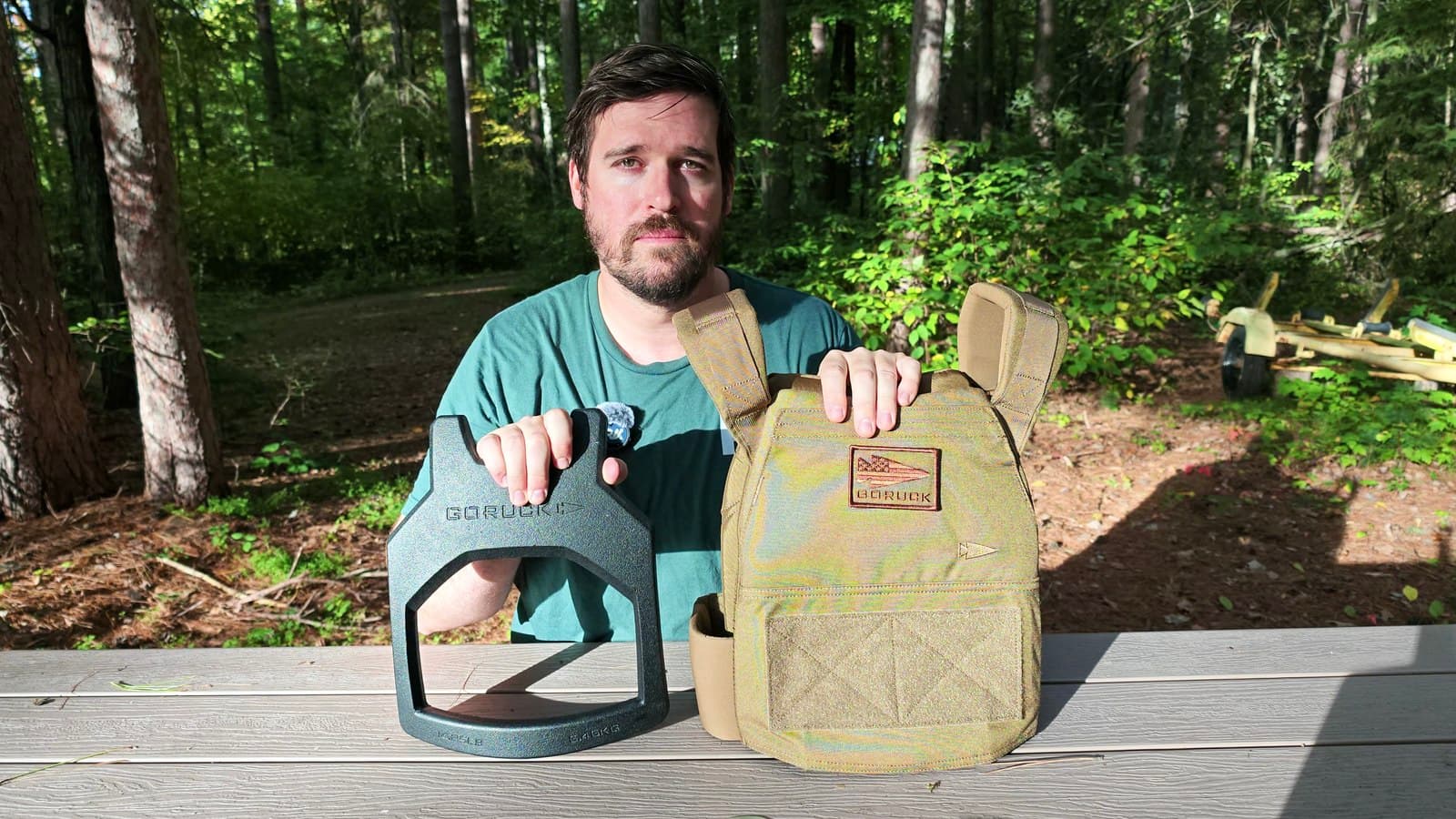
GORUCK Rucking Weight Vest: First Impressions and Plate Costs
A first look at my GORUCK Rucking Weight Vest, its Curved plate pairs, installation, chest pocket and the cost of a complete 20 or 30 lb setup.
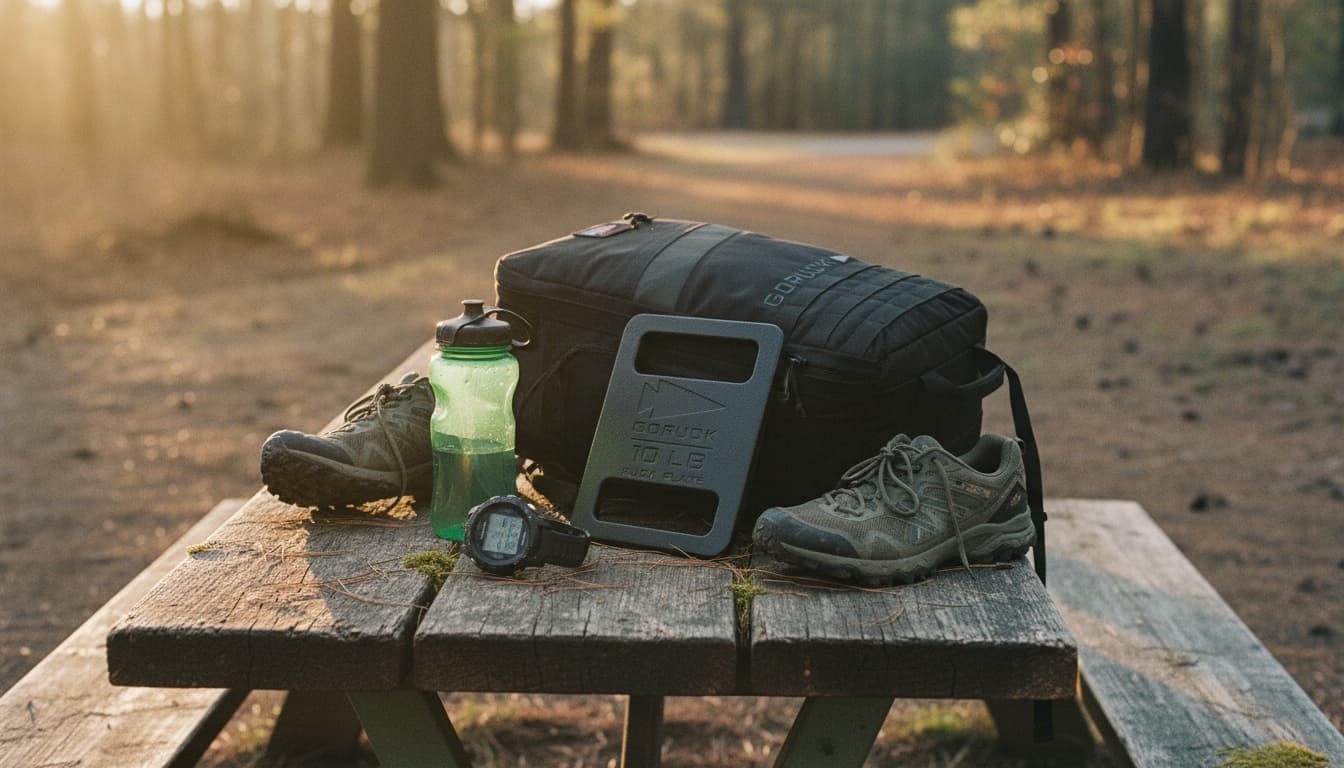
Rucking for Weight Loss: Complete Beginner Gear Guide (2026)
The complete gear kit for new ruckers using rucking for weight loss. Covers the four essential items (pack, weight, socks, shoes), realistic budget tiers from $180 to $460, and the 4-week progression that drives results.

Best Ruck Plates 2026: Match the Plate to the Pocket
Compare GORUCK Standard and Long plates, Rogue vest pairs, Yes4All and flexible weights by dimensions, retention and the pack you own.
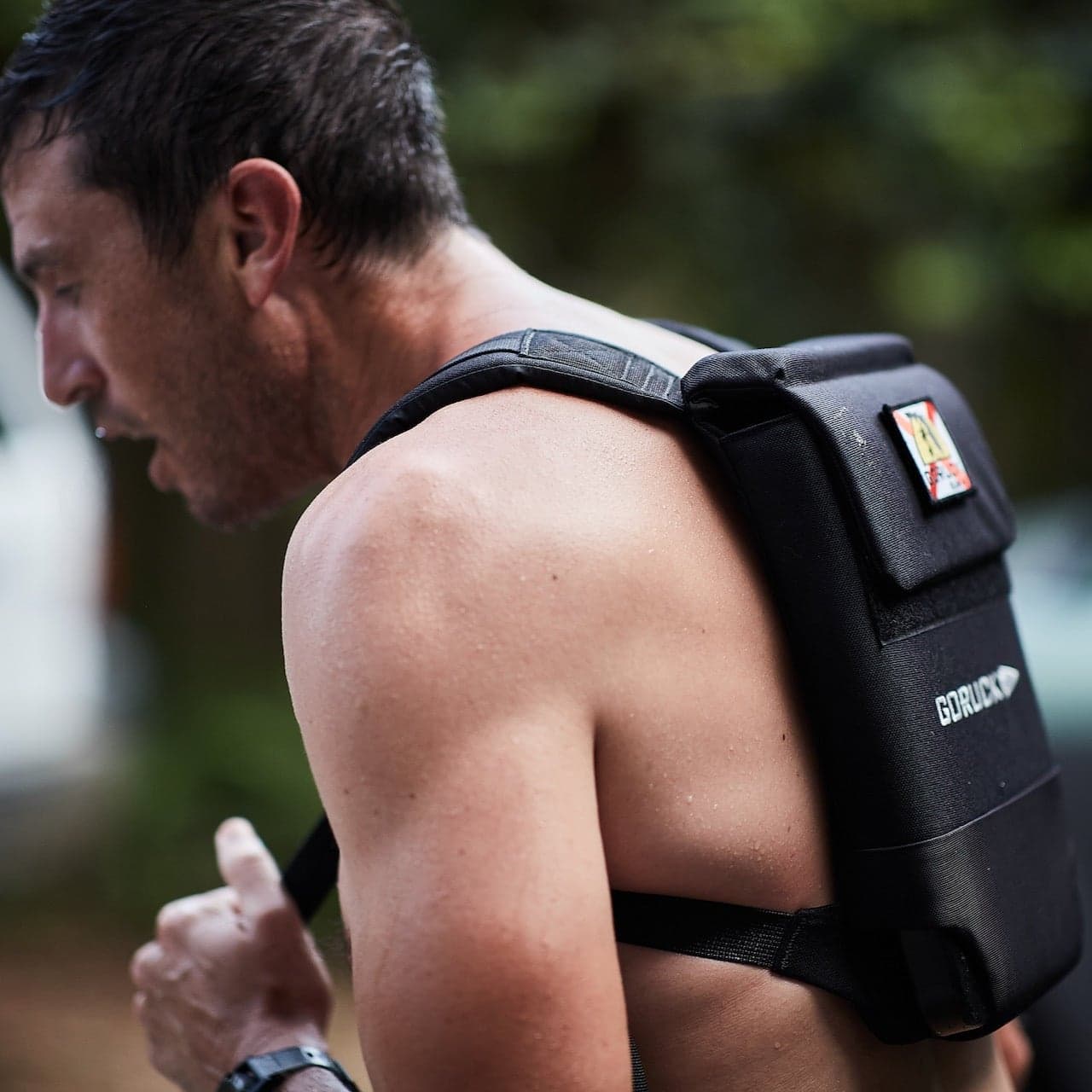
GORUCK Ruck Plate Carrier 3.0 vs Rucker 5.0
Compare the GORUCK RPC 3.0 and Rucker 5.0 for plate fit, water and gear storage, sizing, and event use. Choose around what you actually carry.